Old Game Screenshot vs Today's Interface: Why They May Not Match
Explain why an older Jai Club-related game screenshot may differ from a current interface due to software versions, changed menus, device layouts, selected modes or outdated visual assets.
In this article
- Why Do Game Interfaces Change?
- Old Screenshot vs Current Screen
- EXAMPLE: Two Fictional WinGo Interfaces
- Can Android and Browser Layouts Differ?
- Why Screen Size Changes the Layout
- Screenshot Date vs Result Date
- Can a Screenshot Be Reused in a New Article?
- EXAMPLE: A Screenshot Verification Record
- When Different Screens Are Not Evidence of a Problem
- What About Cached Images?
- Old Screenshots and APK Identity
- What Can Be Verified From a Screenshot?
- Does a Changed Interface Mean a Changed Algorithm?
- Practical Screenshot Comparison
- Frequently Asked Questions
- Why does an old Jai Club game screenshot look different today?
- Does a different button layout mean the game rules changed?
- Can a browser and APK show different interfaces?
- Is an old screenshot automatically fake?
- Can a screenshot prove the original publisher?
- Can the same game show different layouts on two devices?
- Does a UI redesign prove changed result probabilities?
- What is most important when comparing result screenshots?
- What an Old Screenshot Is Still Useful For
An old game screenshot can look different from the interface displayed today. Buttons may move, colours may change, new menus may appear and result-history tables may use another layout.
These differences do not automatically mean the older screenshot is fake.
Software interfaces are updated over time, and the same content can be presented differently across devices.
However, a screenshot's appearance also does not prove that it came from the claimed provider.
Understanding version changes, device layouts and record context helps readers interpret older Jai Club-related gaming images more carefully.
Why Do Game Interfaces Change?
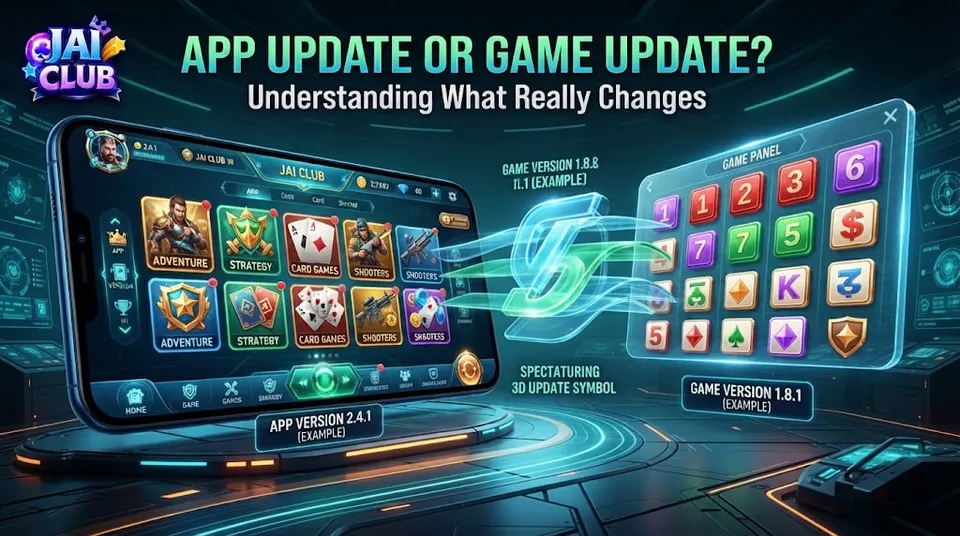
Game interfaces can change when software is updated.
For example, an older version might place the result-history table beneath the number grid.
A newer layout might move history into a separate tab.
Developers may also change icons, typography and navigation.
These updates can improve usability or introduce new functionality.
However, the exact purpose of a particular change must come from reliable release information.
A visual difference alone cannot establish whether the game's rules were changed.
Old Screenshot vs Current Screen
| Feature | Older screenshot | Current interface |
|---|---|---|
| Button position | Original arrangement | May be reorganised |
| Menu labels | Earlier terminology | May be renamed |
| Game icon | Earlier asset | May be redesigned |
| Result-history location | Original page | May be another tab |
| App version | May be old or unknown | May be newer |
| Game rules | Not established by image | Not established by image |
The table describes possible changes, not verified Jai Club update history.
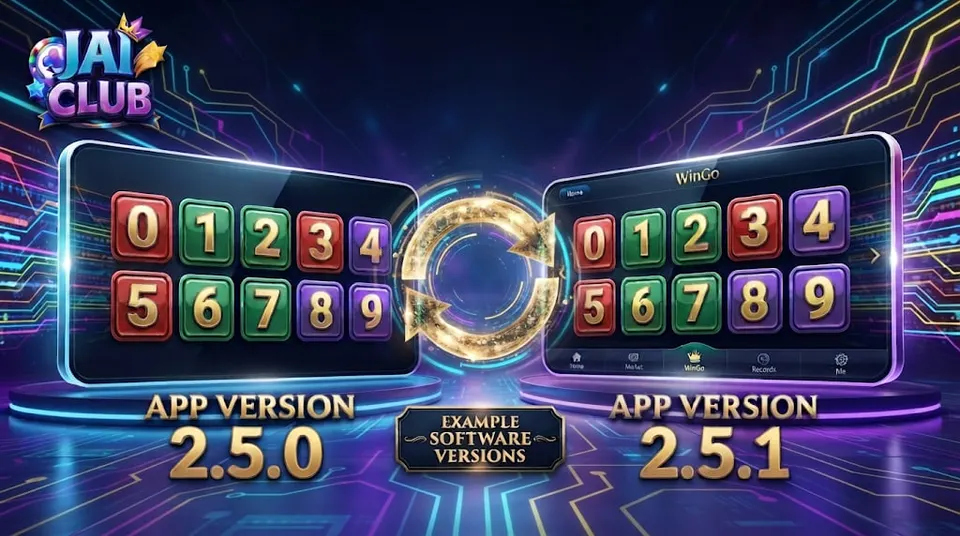
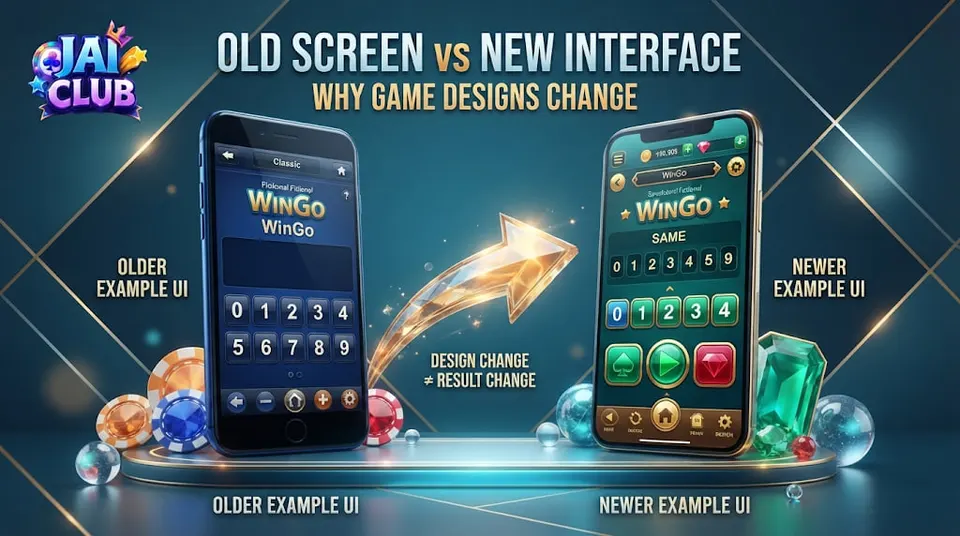
EXAMPLE: Two Fictional WinGo Interfaces
Imagine an older fictional WinGo screen showing a horizontal row of colour buttons above the digits.
A newer fictional interface places those buttons below a two-row number grid.
Both may contain the same result categories.
However, their visual structure differs.
EXAMPLE ONLY: These interfaces are invented.
The difference would not prove that the numerical result-generation method changed.
It would establish only that the screens present the controls differently.
Can Android and Browser Layouts Differ?
Yes.
A mobile website can use responsive design to fit different screen widths.
An Android application might use native components or embedded web content.
A game could therefore look different in Chrome and an installed app.
However, the presence of similar graphics does not establish shared software ownership.
The exact app publisher and website origin still matter.
A copied gaming interface can resemble another provider's product.
Why Screen Size Changes the Layout
A narrow smartphone screen has less horizontal space than a tablet or desktop browser.
A responsive interface may stack controls vertically on a phone.
The same controls may appear side by side on a wider display.
This can make screenshots appear inconsistent even when the underlying content is similar.
For example, a navigation menu could become a compact icon on mobile.
Such differences are not necessarily software updates.
They may simply reflect viewport size.
Screenshot Date vs Result Date
The screenshot creation time and the displayed game period time are separate pieces of information.
For example, a screenshot could be captured today while displaying an older completed result.
Likewise, an archived screenshot might contain a historical interface that is no longer available.
A captured image should not be assumed to show current game rules.
It also should not be assumed to describe an event that occurred when the image was shared.
The distinction between image date and event date matters.
Can a Screenshot Be Reused in a New Article?
An old screenshot can illustrate a historical interface if it is clearly labelled.
However, using it as evidence of the current live interface may mislead readers.
For example, an older tutorial could contain buttons that no longer exist.
A reader might then assume the website is broken because the instructions do not match.
An informational article should identify when an image is historical, illustrative or current.
The image's provenance should be clear.
EXAMPLE: A Screenshot Verification Record
| Question | Fictional finding |
|---|---|
| Screenshot capture date | 12 August 2025 |
| Claimed game | Demo WinGo |
| App version | Unknown |
| Period ID visible | No |
| Original publisher verified | No |
| Suitable as current UI proof? | No |
EXAMPLE ONLY: This describes an invented image.
The screenshot may still be useful for general historical illustration.
However, it does not provide enough context to verify a current game result or interface.
When Different Screens Are Not Evidence of a Problem
Two screenshots may show different layouts because they use different versions or devices.
One could display a game lobby while another shows the game itself.
The selected game mode may also differ.
These possibilities should be checked before treating the images as contradictory.
A genuine conflict requires comparable information.
For example, two screens should refer to the same game feature or completed period before their displayed values are compared.
Different navigation arrangements are not result mismatches.
What About Cached Images?
Applications and browsers can store temporary graphic resources.
An outdated cached icon or stylesheet could make an interface appear older.
However, a cache explanation should not be assumed without evidence.
Other possible reasons include different app builds or websites.
A screenshot alone cannot reliably identify which component caused the difference.
The correct approach is to describe the observed change and verify the relevant software version where available.
Old Screenshots and APK Identity
A screenshot of an Android application does not identify the exact contents of its installation package.
A familiar game logo may appear in unrelated software.
Similarly, an old APK listing might reproduce promotional images from a previous version.
Therefore, screenshots cannot independently authenticate the publisher.
The exact distribution source and package identity remain important.
A polished image is not a substitute for software verification.
What Can Be Verified From a Screenshot?
A screenshot can document visible text, button arrangement and selected interface state.
It may also show a version string or period identifier.
However, these details may not be independently authenticated.
An image cannot by itself prove backend functionality, game fairness or transaction settlement.
For deeper information about screenshot context, read What Makes a Colour Trading Screenshot Reliable Evidence?.
This is especially important when comparing historical results.
Does a Changed Interface Mean a Changed Algorithm?
No such conclusion follows automatically.
A visual redesign can occur without modifying the game's outcome-generation process.
Conversely, an underlying system can change without an obvious visual redesign.
The relationship depends on the software implementation.
To establish a mathematical change, reliable game-version and rules documentation would be needed.
A before-and-after image can demonstrate a design change but not necessarily a probability change.
Practical Screenshot Comparison
Begin by identifying the game title and platform.
Next, compare the relevant interface section rather than the whole page.
Check the device or screen size where known.
Then identify version information and image dates.
If a result is involved, confirm that the period and game mode match.
Finally, distinguish verified facts from possible explanations.
This approach provides a stronger comparison than simply declaring one image authentic and another fake.
Frequently Asked Questions
Why does an old Jai Club game screenshot look different today?
Possible reasons include app updates, responsive layouts, different game modes or outdated visual assets.
Does a different button layout mean the game rules changed?
Not necessarily.
Can a browser and APK show different interfaces?
Yes, depending on their implementation.
Is an old screenshot automatically fake?
No. It may document an earlier interface.
Can a screenshot prove the original publisher?
Not independently.
Can the same game show different layouts on two devices?
Yes. Responsive design can change the arrangement of controls.
Does a UI redesign prove changed result probabilities?
No. Mathematical changes need separate evidence.
What is most important when comparing result screenshots?
The correct game, period identifier, mode and source.
What an Old Screenshot Is Still Useful For
An older screenshot can document historical design, explain previous navigation or illustrate a particular visible feature.
Its usefulness depends on clear context.
It should not be presented as current proof merely because it resembles the modern game.
Separating historical visual evidence from current provider information creates a more accurate and trustworthy guide.
Editorial disclosure: The before-and-after examples are fictional. No official Jai Club interface-change log was accessed.
Disclaimer: JaiClubGame.online is an independent educational website and does not authenticate third-party gaming screenshots.