Is a Jai Club App Update Different From a Game Content Update?
Learn why updating a Jai Club Android app is different from updating game content, including app versions, embedded games, cached files, provider releases and result records.
In this article
- What Is an App Update?
- Game Content Update Kya Hota Hai?
- App Update vs Game Content Update
- Why Two Versions Can Exist Together
- EXAMPLE: Same App, Different Game Content
- Can a Game Change Without Updating the App?
- Android WebView and Remote Game Updates
- Does an Update Change the Game Result?
- Why a Game Looks Different After an Update
- App Version Number vs Game Version Number
- Can Cached Files Show an Older Design?
- Does an APK Update Require New Permissions?
- Can the Same Game Have Different Rules in Different Versions?
- How to Compare Two Game Screens
- What if the App Is Updated but a Game Still Fails to Load?
- App Updates and Account Sessions
- Frequently Asked Questions
- Is a Jai Club App update the same as a game update?
- Can a game update without installing a new APK?
- Does a new app version change slot RTP?
- Why does the app look different after updating?
- Can an old app show updated game content?
- Does clearing cache update the game version?
- Is every Jai Club game delivered through WebView?
- Should app and game version numbers match?
- Conclusion
A Jai Club App update and a game content update are not necessarily the same event. An Android application can receive a new software version while the games displayed inside it remain unchanged. Similarly, a game provider may update content without requiring users to install a new Android APK.
The difference matters when two devices display different menus, symbols, help screens or game versions. A changed interface is not automatic proof that a game's mathematical rules or recorded outcomes have changed.
This guide explains app updates, remotely delivered content, provider releases and cached resources using general software principles. The exact architecture of a particular Jai Club application has not been independently verified.
What Is an App Update?
An app update changes an installed software package or one of its delivered components.
For an Android application, an update may contain bug fixes, interface improvements, compatibility changes or security patches.
A new release may also introduce navigation features or change how the application loads content.
However, an app update does not necessarily modify every game accessible through that application.
For example, a new Android release could adjust the home-screen layout without changing any provider's underlying game logic.
The update notes and software version provide more relevant information than visual assumptions alone.
Game Content Update Kya Hota Hai?
A game content update refers to a change in the content delivered for a particular game or group of games.
This may include graphics, text, localisation, help information or other provider-controlled resources.
Some products also receive changes to mechanics or mathematical configurations, but those changes should not be assumed from the appearance of a new icon.
A game provider and the Android application publisher may be different organisations.
Therefore, changes can occur through different release processes.
A platform may continue using the same installed app version while showing updated content supplied remotely.
App Update vs Game Content Update
| Detail | App update | Game content update |
|---|---|---|
| Main subject | Installed application | Individual game or game resources |
| Possible changes | Navigation, compatibility, security | Assets, help screens, game features |
| Delivery | App package or supported update mechanism | Provider or platform content delivery |
| Version identifier | Android app version | Game or provider version |
| Requires APK installation | Sometimes | Not necessarily |
| Changes mathematical rules | Not automatically | Only if specifically changed |
This comparison describes possible software architectures. It does not establish the design of any particular Jai Club release.
Why Two Versions Can Exist Together
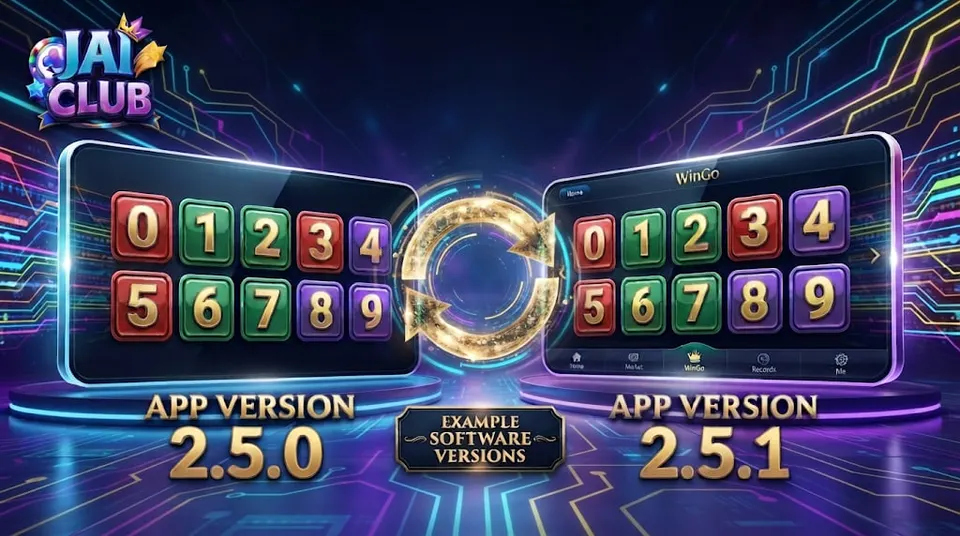
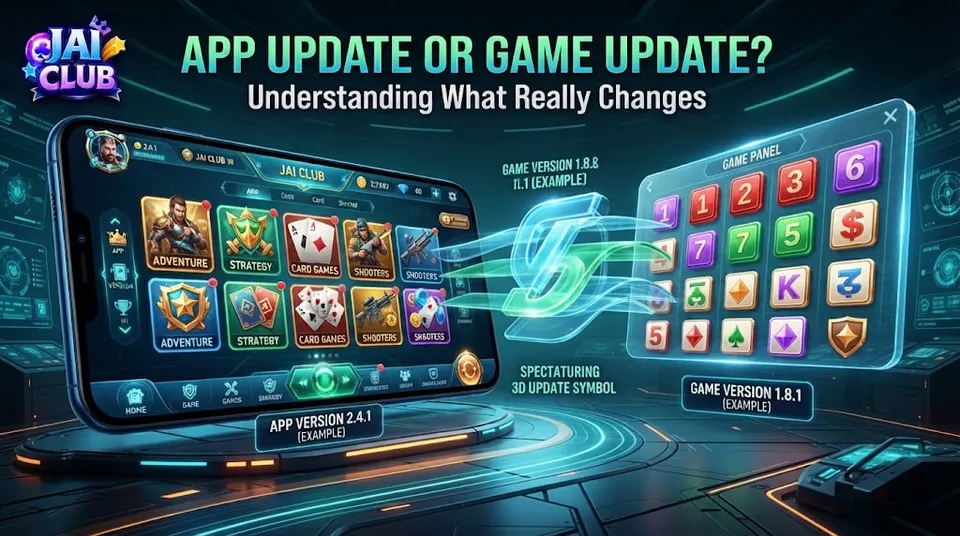
An Android application can have its own version number while the embedded game has a separate version.
For example, an application might display version 2.4.1.
A game opened from that application might identify itself as version 1.8.0.
These values can both be correct because they refer to different software components.
The application's version number does not necessarily describe the release date or mathematical configuration of every game it contains.
When interpreting version information, identify which product each number belongs to.
EXAMPLE: Same App, Different Game Content
Consider a fictional application named Example Game Hub.
| Component | Earlier version | Later version |
|---|---|---|
| Android application | 2.4.1 | 2.4.1 |
| Embedded game | 1.8.0 | 1.8.1 |
| Home menu | Unchanged | Unchanged |
| Game help text | Earlier wording | Revised wording |
| Completed result history | Separately recorded | Separately recorded |
EXAMPLE ONLY: These versions are invented for explanation and do not represent a real Jai Club update.
The application version remains unchanged while the game content version changes.
This is possible in systems that load some game resources from remote services.
It does not prove that previously completed results were modified.
Can a Game Change Without Updating the App?
Yes, depending on the architecture.
An application may load web content or game resources from a remote provider.
If those resources change, the installed application may display new content when it loads them again.
For example, a provider could revise instructional text or an asset without publishing a new Android package.
However, the exact behaviour depends on whether the app uses native code, embedded web content or another approach.
A familiar game screen is not enough to establish the underlying technology.
Android WebView and Remote Game Updates
Android WebView enables applications to display web content inside an app.
A hybrid application might use native navigation while displaying games through WebView.
In such a design, game-related web resources may be updated independently of the installed application.
However, a platform can also use native or other embedded technology.
No universal claim should be made that every Jai Club Android application uses WebView.
The important distinction is between the software installed on the phone and the resources retrieved from remote systems.
Does an Update Change the Game Result?
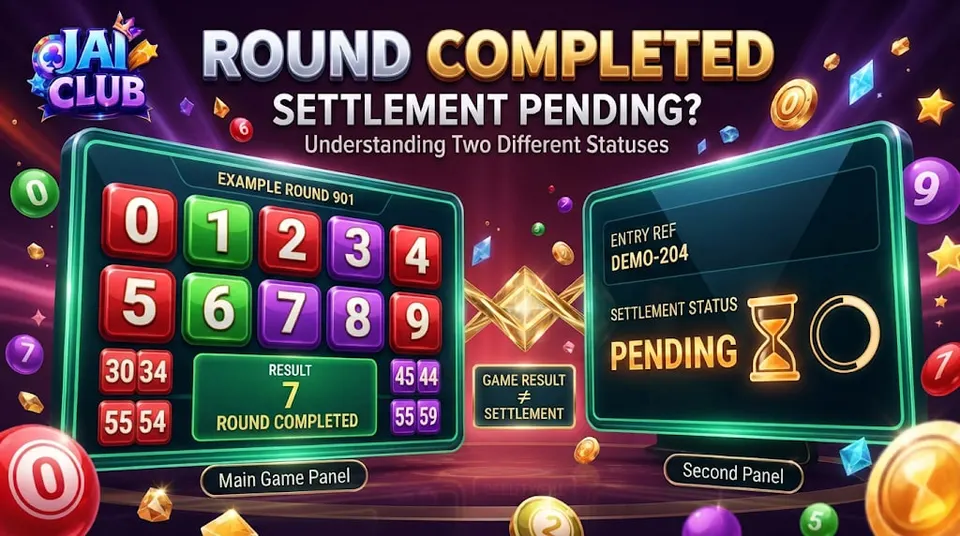
An update to graphics or navigation does not automatically change a completed game result.
Results may be maintained in separate provider-managed records.
However, the exact recordkeeping architecture must be verified for the relevant service.
For example, a new result-history layout could display the same recorded digits using a different design.
That does not establish that the outcomes changed.
A genuine result discrepancy would require comparing the same game, mode and completed period.
An older screenshot and a newer interface cannot establish a changed result by appearance alone.
Why a Game Looks Different After an Update
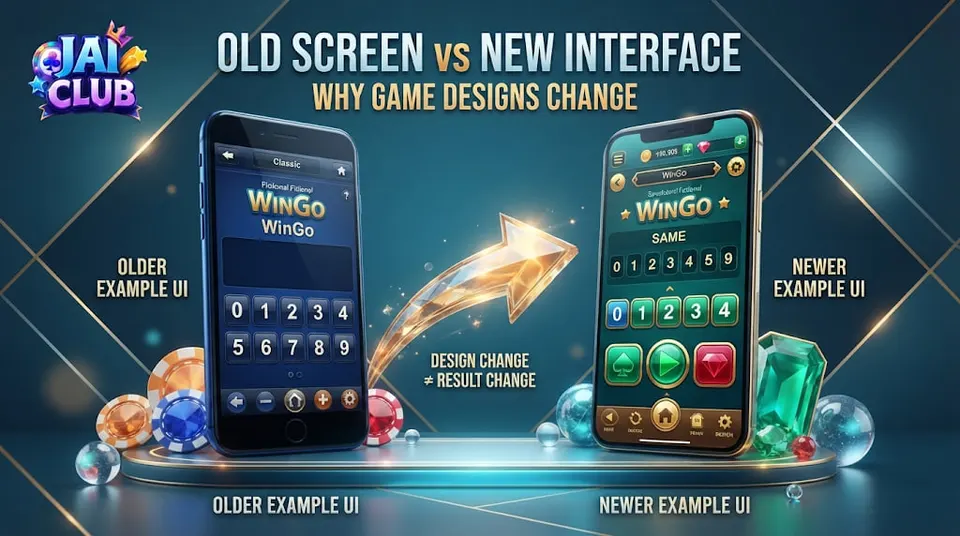
Some changes are purely visual.
A developer might replace icons, rearrange buttons, adjust colours or improve the layout for smaller screens.
Other updates may change available help information or game selection menus.
These differences can make an application feel unfamiliar without altering how a particular outcome is generated.
Therefore, distinguish presentation changes from gameplay-rule changes.
A revised menu is evidence of an interface change, not necessarily a revised probability model.
App Version Number vs Game Version Number
Android applications commonly have version identifiers associated with their installed releases.
Games delivered through an application can have their own provider versions.
A platform may also have a content catalogue version.
These values should not be combined into one assumed release number.
For example, a phone showing the newest app version may still load content affected by cached resources.
Conversely, an unchanged app version can display updated remotely served content.
Version labels answer different technical questions.
Can Cached Files Show an Older Design?
Yes.
Browsers and applications may cache files to reduce repeated downloads.
A cached image, stylesheet or script can sometimes cause an older part of the interface to remain visible.
However, not every apparent version mismatch comes from cache.
Different account settings, software versions or provider resources can also affect the display.
Clearing cached files is not proof that an underlying server record was incorrect.
Local resource storage and completed game history should be interpreted separately.
Does an APK Update Require New Permissions?
An application update can introduce changes that affect its permission requirements.
For example, a new feature may request notification access.
However, an updated APK does not automatically require every permission displayed in Android settings.
The correct assessment depends on the actual functionality and software release.
An unfamiliar application requesting unrelated sensitive access should be evaluated carefully.
For a detailed discussion, read Jai Club App Permissions and Android Privacy Settings.
Can the Same Game Have Different Rules in Different Versions?
Different game versions can have different rules, features or configurations.
However, the existence of separate versions does not prove that such changes occurred.
To compare rules properly, identify the exact provider, game name and version.
Next, examine the corresponding game information and paytable.
A redesigned reel animation does not necessarily establish a change in return-to-player calculations.
Likewise, identical artwork does not prove that two releases use identical mathematics.
Version-specific documentation is important.
How to Compare Two Game Screens
Start by checking whether both screens refer to the same game title and provider.
Then identify their app and game versions where those details are available.
Compare the relevant game mode, menus and help information.
If the issue concerns a completed result, also match the period identifier.
This approach prevents a difference in interface design from being mistaken for a difference in game outcomes.
The comparison should focus on matching evidence rather than appearance alone.
What if the App Is Updated but a Game Still Fails to Load?
An app update cannot guarantee that every remote resource is available.
A loading problem can involve the device, application, network, embedded browser or game provider.
The correct cause depends on the observed error.
For example, a home screen might work while one particular game resource fails to load.
That does not establish that the app update was unsuccessful.
A useful problem description should include the affected game, app version, approximate time and visible error message.
Sensitive account information should not be shared.
App Updates and Account Sessions
An application update may preserve an existing login session, but this is not guaranteed.
Some updates can require reauthentication.
Session handling depends on the app's security design and its storage mechanisms.
Logging out and changing an application version are different events.
Similarly, a session problem does not establish that completed game records were deleted.
For further background, read Jai Club Login Session Explained.
Frequently Asked Questions
Is a Jai Club App update the same as a game update?
Not necessarily. The installed application and individual game content can have separate release processes.
Can a game update without installing a new APK?
Yes, if the software supports remotely delivered content.
Does a new app version change slot RTP?
Not automatically. Mathematical changes require separate version-specific evidence.
Why does the app look different after updating?
Visual resources, navigation or layout may have changed.
Can an old app show updated game content?
Some architectures support this, but it depends on compatibility and provider design.
Does clearing cache update the game version?
Clearing cache removes certain local resources. It does not itself publish a software release.
Is every Jai Club game delivered through WebView?
That has not been independently verified.
Should app and game version numbers match?
No. They can identify different components.
Conclusion
A Jai Club App update and a game content update can affect different parts of a gaming platform.
The app version describes the installed software, while game versions and remotely delivered assets may follow separate release cycles.
Understanding these differences helps readers compare interfaces and troubleshoot problems without assuming that every visual update changes game rules or completed results.
Editorial disclosure: All version numbers and system examples are fictional. No Jai Club Android package or private release system was independently audited.
Disclaimer: JaiClubGame.online is an independent educational website. It does not distribute or authenticate third-party app updates.