What Makes a Colour Trading Screenshot Reliable Evidence?
Learn which details make Colour Trading screenshots useful for checking completed results, interface errors and round records, and why images alone cannot verify every claim.
In this article
- What Can a Colour Trading Screenshot Show?
- Screenshot Me Kaunse Details Important Hain?
- What Is a Period Identifier?
- Current Round vs Completed Result
- EXAMPLE: Comparing Two Screenshots
- Why Original Files Are More Useful
- Can a Screenshot Be Genuine but Misleading?
- Colour Trading Result Screenshot Kaise Check Kare?
- Why Timestamps May Differ
- What About Edited Screenshots?
- Screenshot vs Result History
- Screenshot vs Account Settlement
- What Makes a Good Troubleshooting Screenshot?
- Can Screenshot Evidence Prove a Prediction?
- How to Keep Screenshot Comparisons Fair
- Frequently Asked Questions
- What makes a Colour Trading screenshot reliable?
- Can a screenshot prove a completed result?
- Why do two screenshots show different numbers?
- Does an original image guarantee authenticity?
- Can a selected colour be mistaken for a result?
- Is a screenshot enough to prove a prediction tool works?
- Should I share my account details in a screenshot?
- Conclusion
A Colour Trading screenshot can be useful when it clearly shows a game period, result value and completion status. However, an image alone does not necessarily prove that the information is authentic or that a related account transaction was settled correctly.
People searching for a Jai Club Colour Trading screenshot may want to understand a result, compare two displays or document a technical issue. These are different purposes, and the details needed for each are not identical.
This guide explains how to assess screenshots carefully, what information should be visible and why cropped or edited images can create misleading conclusions.
What Can a Colour Trading Screenshot Show?
A screenshot captures visible information on a device at a particular moment.
In a Colour Trading interface, the image may contain a current period identifier, countdown, colour selection, number result or result-history table.
It may also show an error message or status indicator.
These details can help explain what a person saw on screen.
However, the screenshot does not independently authenticate the information supplied by the underlying service.
A displayed value and a verified completed record are related but separate concepts.
Screenshot Me Kaunse Details Important Hain?
The most useful details depend on the purpose of the image.
For checking a completed result, the period identifier and final status are particularly important.
For documenting a loading issue, the visible error and the time of the problem may matter more.
An image should contain enough surrounding interface context to identify which field is being displayed.
Cropping away headings, game modes or period identifiers can make an otherwise genuine screenshot difficult to interpret.
A clear image is useful, but clarity alone does not establish authenticity.
What Is a Period Identifier?
A period identifier distinguishes one game round from another.
It helps prevent a result from one round being confused with a result from a different round.
For example, a fictional screenshot showing period DEMO-C501 should not be compared directly with another image showing DEMO-C502 as though both represent the same event.
Even if both screenshots display the same game name, the periods are different.
The identifier is therefore one of the first details to check.
The exact period format can vary between systems.
Current Round vs Completed Result
A dashboard may show an active round and a previous completed result at the same time.
For example, the current period could be DEMO-C502 while the most recent completed result belongs to DEMO-C501.
A screenshot displaying both values is not necessarily contradictory.
However, readers can misinterpret the image if they assume every visible number belongs to the active period.
The round status and table headings determine the correct relationship.
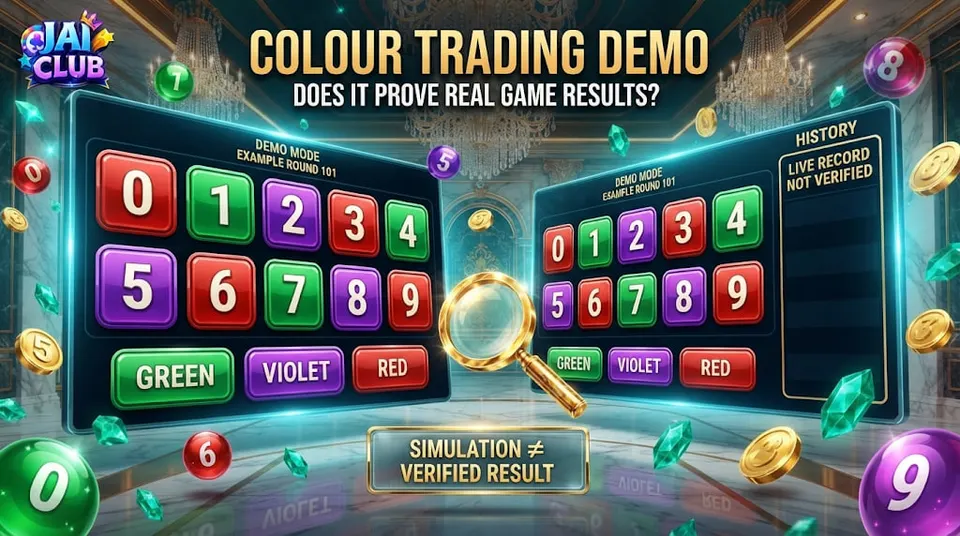
A countdown reaching zero does not, by itself, prove that the completed result has already been published.
EXAMPLE: Comparing Two Screenshots
Consider two fictional images:
| Detail | Screenshot A | Screenshot B |
|---|---|---|
| Game mode | Demo 1-minute | Demo 1-minute |
| Period | DEMO-C501 | DEMO-C501 |
| Status | Pending | Completed |
| Result digit | Not displayed | 7 |
| Capture stage | Before completion | After completion |
EXAMPLE ONLY: These are fictional records created for explanation.
The screenshots show different states of the same example period.
An empty result in Screenshot A is not evidence that the eventual result in Screenshot B was changed.
The first image simply precedes the completed outcome.
Why Original Files Are More Useful
An original screenshot may preserve useful technical information that is lost when the image is copied into another format.
Depending on the device and software, available metadata could include file dimensions or creation information.
However, metadata is not guaranteed to be complete or trustworthy.
Files can be modified, and some messaging services remove metadata automatically.
Preserving the original file is therefore useful, but not sufficient to prove authenticity by itself.
The surrounding game record remains important.
Can a Screenshot Be Genuine but Misleading?
Yes.
An authentic screenshot can be shown with an inaccurate caption.
For example, a completed result image could be presented as a prediction made before the round ended.
The screenshot may be genuine, while the claim about its meaning is false.
Likewise, an image of a selected colour does not establish that the selected colour became the winning result.
The difference between interface state and completed outcome must be maintained.
Colour Trading Result Screenshot Kaise Check Kare?
Begin by identifying the game title and selected mode.
Read the period number and determine whether the image displays an active or completed event.
Next, identify which field contains the result and which fields represent selections or account-related information.
If a second record is available, compare matching periods rather than nearby timestamps alone.
Finally, note whether the image has been cropped or annotated.
The aim is to establish exactly what the screenshot supports, not to infer more than it can show.
Why Timestamps May Differ
Different interfaces may use different time zones or event timestamps.
A screenshot could show a locally formatted clock, while another system displays a server timestamp.
The two values might represent the same moment despite having different clock readings.
A timestamp can also describe when an image was captured rather than when the game result was completed.
These distinctions matter when reconstructing the order of events.
An unexplained time difference is not automatically evidence of a manipulated result.
What About Edited Screenshots?
Images can be altered in ways that are obvious or subtle.
For example, a digit could be replaced, a status label changed or an unrelated result table added to another interface.
Cropping may also remove context without changing any visible digit.
However, a visual inconsistency alone is not sufficient to accuse someone of manipulating an image.
A reliable conclusion requires comparison with original records or other trustworthy evidence.
The safest wording is often that an image is unverified rather than declaring it fraudulent.
Screenshot vs Result History
A screenshot is a captured view.
Result history is a collection of recorded outcomes associated with completed game rounds.
The two can support one another when the game, period and result values match.
However, a screenshot should not replace the authoritative completed record.
A result-history page can also be filtered or displayed in a different order.
For general Colour Trading result terminology, explore the Jai Club Colour Trading category.
Screenshot vs Account Settlement
A screenshot of a game result does not automatically verify an account transaction.
A completed game outcome and the settlement of a particular entry are different records.
For example, a green result marker may describe the final colour, but it does not identify the status of every associated position.
A proper account-related comparison would require the relevant transaction identifier and settlement status.
Sensitive account details should be protected when sharing supporting images.
Never expose passwords, OTPs or unrelated personal information.
What Makes a Good Troubleshooting Screenshot?
A useful troubleshooting screenshot shows the problem clearly without disclosing sensitive data.
It may include the error message, affected game section, period number and visible completion status.
For example, a loading error is easier to describe when the relevant message is visible.
A blank screen with no context may provide little information about the cause.
Recording the approximate time and device environment separately can also help explain what happened.
However, the screenshot itself cannot identify every network or server-side problem.
Can Screenshot Evidence Prove a Prediction?
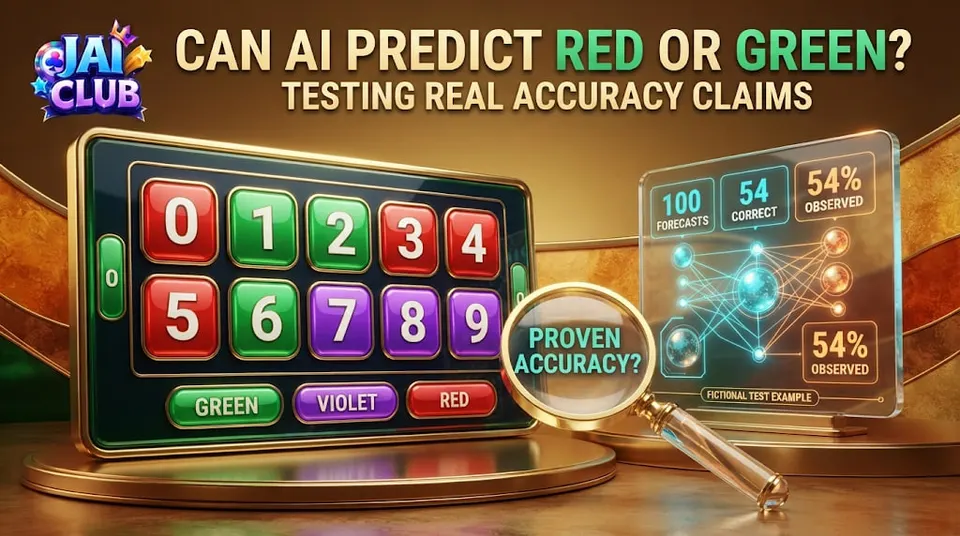
A screenshot showing a correct result does not prove that the result was predicted beforehand.
That requires an authenticated forecast recorded before the outcome became available.
The same principle applies to a series of successful screenshots.
Without the complete forecast history, unsuccessful predictions may be missing.
A prediction claim and a result-verification question should not be treated as identical tasks.
Screenshots may illustrate either activity, but the evidence requirements are different.
How to Keep Screenshot Comparisons Fair
Compare the same game, mode and period.
Avoid comparing an active round on one device with an earlier completed round on another.
Record whether the interface shows selection information, game results or account settlement.
Use the original image when possible, while recognising that it is not automatically authenticated.
The most important practice is to preserve context.
A smaller number of well-documented screenshots can be more useful than a large collection of images with missing identifiers.
Frequently Asked Questions
What makes a Colour Trading screenshot reliable?
Clear period identifiers, correct context, completion status and matching supporting records make it more useful.
Can a screenshot prove a completed result?
It can document what was displayed, but independent verification may require the authoritative result record.
Why do two screenshots show different numbers?
They may represent different periods, modes or completion stages.
Does an original image guarantee authenticity?
No. Original files can provide context but do not independently verify every claim.
Can a selected colour be mistaken for a result?
Yes. Selection controls and completed outcome fields serve different purposes.
Is a screenshot enough to prove a prediction tool works?
No. Complete predictions recorded before outcomes are needed.
Should I share my account details in a screenshot?
No. Sensitive information should be concealed before an image is shared.
Conclusion
A Colour Trading screenshot is most useful when its purpose and context are clear.
Period numbers, result status, game mode and original records help distinguish meaningful evidence from misleading or incomplete images.
Screenshots should support careful interpretation rather than serve as automatic proof of prediction accuracy, settlement or software authenticity.
Editorial disclosure: All example periods and values are fictional. This article does not claim to authenticate or investigate a specific Jai Club screenshot.
Disclaimer: JaiClubGame.online is an independent educational website. It does not verify private account transactions or guarantee game results.