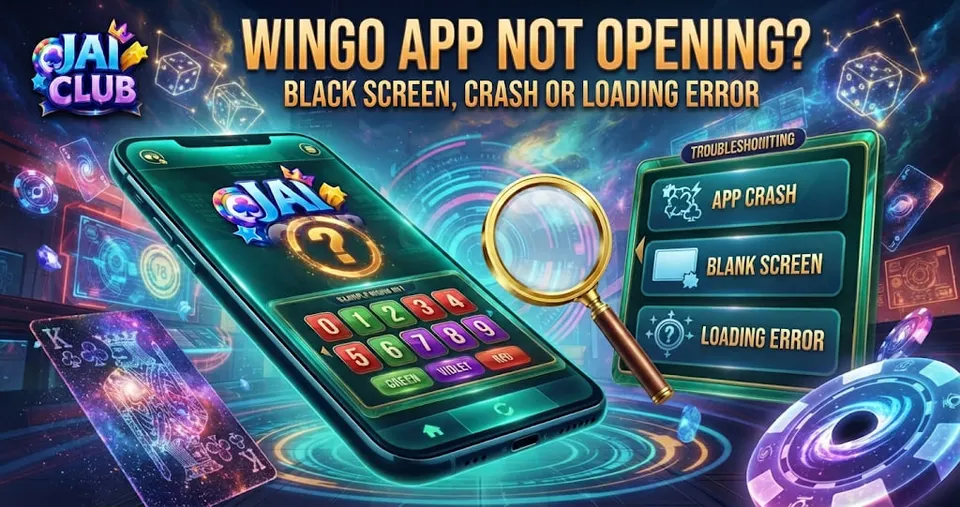
WinGo App Not Opening on Android? Understand the Possible Causes
Explore common reasons an Android WinGo application may fail to open, including incompatible software, broken resources, connectivity and unverified APK packages.
In this article
- App Not Opening vs Game Not Loading
- What Does a Black Screen Mean?
- Network Problems and WinGo Loading
- EXAMPLE: Three Different Symptoms
- Android Version Compatibility
- WebView Problems
- Local Cache and Application Storage
- Could the APK Be Unverified?
- Does the Error Mean the Account Is Suspended?
- What Information Helps Describe the Problem?
- Frequently Asked Questions
- Why does the WinGo App keep closing?
- Does a black screen mean the server is down?
- Can WebView cause a loading problem?
- Does clearing app storage delete game results?
- Is an APK official because it installs?
- Does a loading error prove my account is blocked?
- Conclusion
A WinGo App that does not open can present several different symptoms. The application may close immediately, remain on a loading screen, show a blank page or open its menu without loading the game.
These problems should not automatically be attributed to one cause.
Android software depends on installed components, local storage, network communication and sometimes remote game resources.
This guide explains how different symptoms relate to possible technical causes. It does not claim that a particular WinGo APK has been tested or that a specific provider is experiencing an outage.
App Not Opening vs Game Not Loading
An application crash occurs when the installed software stops running.
A game-loading problem is different.
For example, the Android app's main menu may open normally while the selected WinGo content remains blank.
These symptoms involve different software components.
A crash could relate to local compatibility, while a game-loading failure might involve remote content.
However, the visible symptom alone cannot identify the exact root cause.
What Does a Black Screen Mean?
A black or blank screen means the interface is not displaying expected content.
Possible causes include rendering problems, unsuccessful content loading or application errors.
However, a blank screen does not prove that the game server is offline.
It also does not establish that a particular account is blocked.
An accurate description should identify whether the blank screen appears before or after the main app interface opens.
Network Problems and WinGo Loading
Some WinGo interfaces retrieve game information through network requests.
An unstable connection can delay those requests or prevent content from appearing.
However, network quality is not the only explanation.
A correctly connected phone can still encounter app-specific errors.
Similarly, a temporary loading screen does not establish which component is responsible.
The relevant game, software version and visible error message should be recorded.
EXAMPLE: Three Different Symptoms
| Fictional symptom | Possible area to investigate |
|---|---|
| App closes before home screen | Installed software or compatibility |
| Home screen opens, game stays blank | Game resources or embedded content |
| Countdown appears but stops updating | Connection, rendering or update process |
EXAMPLE ONLY: The table describes possible categories of issues, not confirmed diagnoses.
A technical investigation needs more information before selecting a cause.
Android Version Compatibility
Android applications are built for particular platform requirements.
An app may be incompatible with a device's operating system or hardware architecture.
However, a version number alone does not explain every failure.
Some compatibility problems involve dependencies or device-specific behaviour.
A third-party APK may also be incorrectly packaged.
The actual package metadata and error details determine what can be established.
WebView Problems
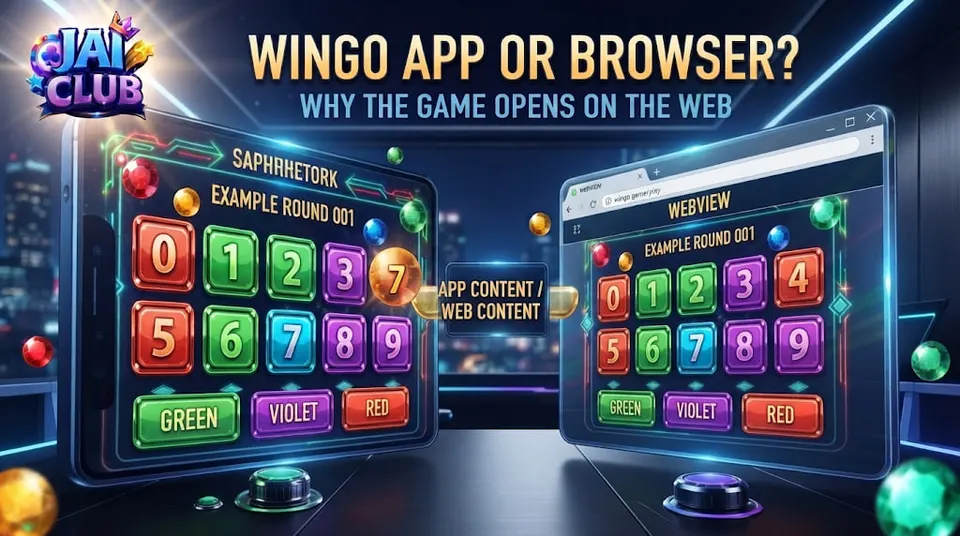
A hybrid Android app may use WebView to display game content.
If the relevant embedded content fails to load, the application could show a blank or incomplete screen.
However, not every WinGo app uses WebView.
A browser-related error should not be assumed without evidence.
Native app errors and embedded web-content failures can look similar.
For background on web-based game access, see Colour Trading Website vs App.
Local Cache and Application Storage
An application may store temporary files to improve loading speed.
An outdated or corrupted resource can sometimes contribute to display problems.
However, clearing broad application storage may also remove settings or sessions.
Therefore, a loading problem should not automatically be treated as a reason to erase all local app data.
Temporary cache and persistent application information have different purposes.
Neither should be confused with authoritative game result records.
Could the APK Be Unverified?
Yes, if its publisher and distribution source have not been established.
Two APKs can use the same visible game name while containing different software.
A file labelled Latest WinGo App does not establish authenticity.
An unfamiliar package may contain bugs or unrelated functionality.
Successful installation is also not proof of trustworthiness.
Software identity is relevant to both security and technical reliability.
Does the Error Mean the Account Is Suspended?
Not necessarily.
A general application-loading failure and an account-specific access restriction are different possibilities.
A crash before the login interface appears does not itself establish an account problem.
Similarly, a blank game page is not proof of an account restriction.
The exact error message and provider records would be necessary for a more specific conclusion.
An informational website cannot verify private account status.
What Information Helps Describe the Problem?
Useful information includes the exact app name, Android version, visible symptom and approximate time.
If the home screen opens, identify which game fails.
A screenshot can show an error message, but private credentials should remain hidden.
An accurate issue description is more useful than guessing that every error is a server failure.
For general support-information concepts, see Jai Club Game FAQ.
Frequently Asked Questions
Why does the WinGo App keep closing?
It may involve software or compatibility problems, but the exact cause requires verification.
Does a black screen mean the server is down?
No. Several client-side and remote causes are possible.
Can WebView cause a loading problem?
Yes, in applications that use it, but the app architecture must be established.
Does clearing app storage delete game results?
It does not inherently delete remotely maintained results, but service architecture varies.
Is an APK official because it installs?
No. Installation does not verify publisher identity.
Does a loading error prove my account is blocked?
No. The error and account status are separate questions.
Conclusion
A WinGo App that fails to open should be described according to its actual symptom.
App crashes, blank game pages and stalled countdowns can involve different components.
Understanding these distinctions helps avoid unsupported diagnoses and makes technical problems easier to document accurately.
Editorial disclosure: No particular APK or device was tested. Examples describe general Android behaviour.
Disclaimer: JaiClubGame.online is an independent educational website and does not provide official account support.