Why Do Jaiclub Games Look Different? Understanding Updates & Game Versions
Discover why Jaiclub game interfaces may change, how game updates differ from platform updates, and why visual redesigns do not necessarily mean that game rules or mathematical results have changed.
In this article
- Why Can the Same Game Look Different?
- What Is a Game Version?
- Game Version vs Platform Version
- Common Types of Game Updates
- Why Mobile and Desktop Screens Differ
- Can a Browser Cache Show an Older Interface?
- Graphics Changes vs Gameplay Changes
- How Slot Symbols Can Change Between Versions
- Why Number-Based Games Can Also Look Different
- Do New Animations Mean Different RTP?
- What if a Game Changes Provider?
- Are Game Screenshots Always Current?
- How to Compare Two Game Versions
- Do Updates Make Games Easier?
- What Does JaiclubGame.online Cover?
- Frequently Asked Questions
- Why does Jaiclub Game look different on my phone?
- Does a new interface mean a new game?
- Can a game update change the rules?
- Do animations affect RTP?
- Can an old screenshot show a different layout?
- Is a platform update the same as a game update?
- Does a new version guarantee better results?
- Does this website verify official Jaiclub changelogs?
- Conclusion
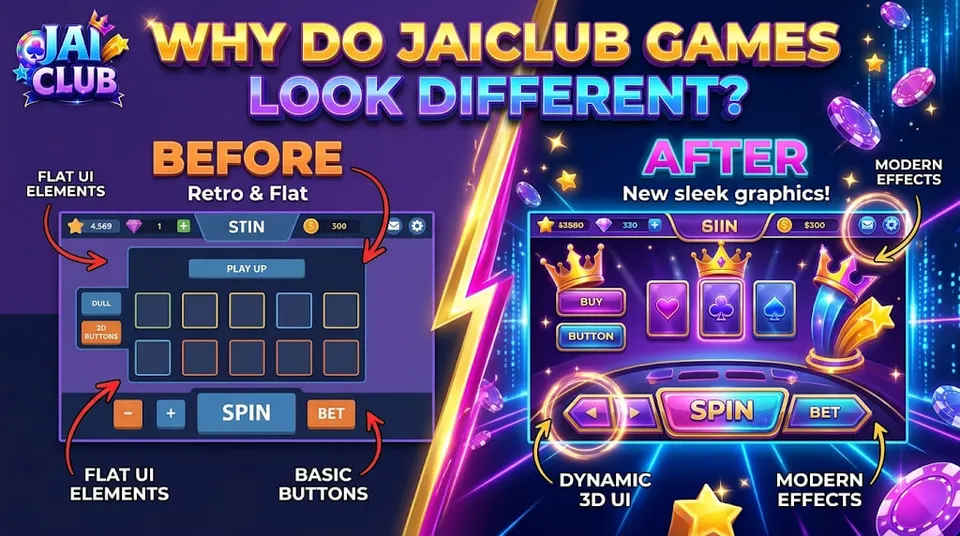
Jaiclub game interfaces can appear different across screenshots, devices, game versions and website layouts. A title that once displayed a simple reel arrangement might later show updated artwork, additional animations or a redesigned menu. However, changes in appearance do not automatically mean that the underlying game rules or result-generation system have changed.
There are several reasons why digital games look different over time. Developers can update graphical assets, platforms can redesign their navigation, browsers can display content differently and individual games can receive new software releases. Some visual differences may also come from comparing two separate games or providers rather than two versions of the same title.
This guide explains how game updates, interface changes and software versions differ. It also examines the information needed to determine whether a visible change affects only presentation or involves actual game mechanics.
Why Can the Same Game Look Different?
A digital game's appearance is determined by several components. These can include artwork, layout files, fonts, animations, screen dimensions and the software responsible for rendering the interface.
Even without changing the underlying result logic, a developer can replace symbols, move buttons or redesign the information panel.
For example, a hypothetical slot title could replace its menu icons and improve reel animations while keeping the same symbol-combination rules. The result would look different to players, but the mathematical structure might remain unchanged.
The opposite is also possible: a game may receive an important rule change while retaining a broadly familiar appearance. Visual comparison alone is therefore not sufficient to identify the nature of an update.
What Is a Game Version?
A game version identifies a particular release or configuration of a software title. Developers use version identifiers to distinguish software builds and track changes over time.
A new version may include performance improvements, bug fixes, updated graphics or new functionality. The version number itself does not reveal exactly what changed.
For example, a hypothetical game could move from version 1.2 to 1.3 after receiving updated animations. Another release could change a feature's operation while making few visible changes.
Without reliable release documentation, it would be inaccurate to conclude that a higher version number guarantees a particular gameplay improvement.
Game Version vs Platform Version
A platform version describes software used to operate a wider service or game lobby, while a game version refers to one specific title.
A platform may update its navigation, category labels or search features without changing the games supplied by external developers.
Similarly, a developer can update one game independently of the platform's main website.
This distinction explains why a homepage can change while an individual game remains visually identical. It also explains why one game might receive a refreshed interface while other titles in the same catalogue appear unchanged.
Common Types of Game Updates
| Update type | Possible visible effect | Does it necessarily change rules? |
|---|---|---|
| Interface redesign | New buttons and layout | No |
| Graphics update | New symbols or animations | No |
| Performance update | Faster rendering | No |
| Game-content update | Additional visual features | Not necessarily |
| Rule update | Revised feature conditions | Yes, if documented |
| Provider migration | New software implementation | Requires verification |
| Platform update | New lobby or navigation | No |
Each type should be evaluated through reliable version information rather than assumed from visual appearance.
Why Mobile and Desktop Screens Differ
Responsive design allows a website or game interface to adapt to different screen sizes. A mobile layout may place controls beneath the main game area, while a desktop version may display the same controls beside it.
A smartphone may also have a different screen aspect ratio, device pixel density or graphics capability. These factors can affect what appears visible without implying a different game version.
For example, a portrait mobile interface might use collapsible menus to save space, while a landscape display can show several panels simultaneously.
The same game can therefore appear different across devices even when the software logic is unchanged.
Can a Browser Cache Show an Older Interface?
Yes. Browsers may store website resources locally to improve loading performance. If some cached resources remain available while other parts of a website have changed, the interface can sometimes appear inconsistent.
A browser might briefly display older artwork or styling until the relevant resources are refreshed. However, caching is only one possible explanation for a difference in appearance.
It is not correct to assume that every mismatched screen is caused by cache, particularly when a provider has released an actual software update.
The Jai Club Game Not Loading guide explains browser resources and other possible causes of interface problems.
Graphics Changes vs Gameplay Changes
Graphics changes affect how information is presented. Gameplay changes affect the rules or conditions governing results.
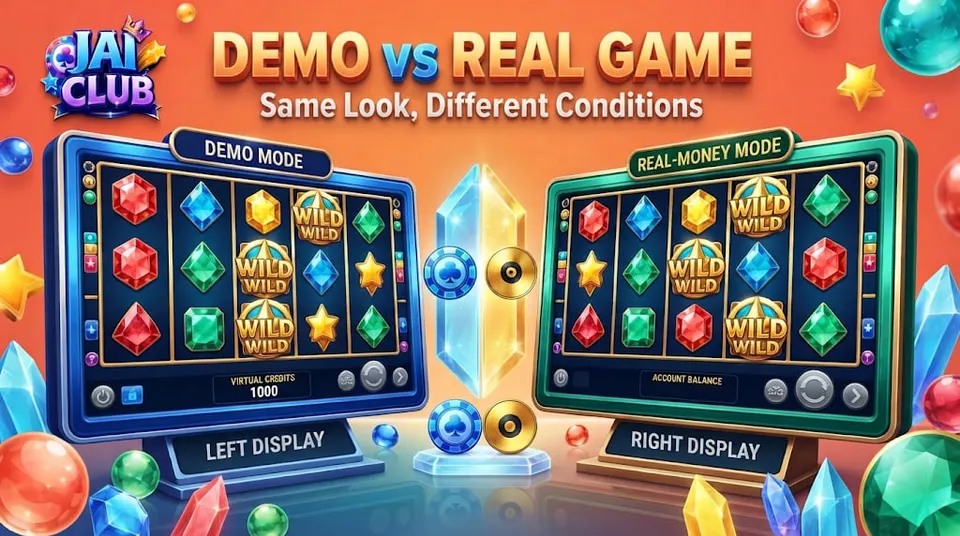
For instance, replacing a purple Wild symbol with a gold Wild symbol might be a visual redesign. Changing which symbols the Wild is allowed to replace would be a rule change.
Likewise, moving a countdown timer from the top of the screen to the bottom is different from changing the actual duration of a round.
These distinctions matter because visual changes are easy to notice, while modifications to rules may require reading the updated paytable or provider documentation.
How Slot Symbols Can Change Between Versions
Slot games use symbols as part of their visual and mathematical presentation. A redesigned title could introduce new artwork while keeping the same general categories of regular symbols, Wilds and Scatters.
However, the familiar appearance of a Wild does not guarantee that it functions identically across two versions.
Some Wilds substitute for ordinary symbols, while others have expanding, sticky or multiplier effects. Those differences must be established from the particular game rules.
Our Slot Game Symbols guide provides background on these mechanics.
Why Number-Based Games Can Also Look Different
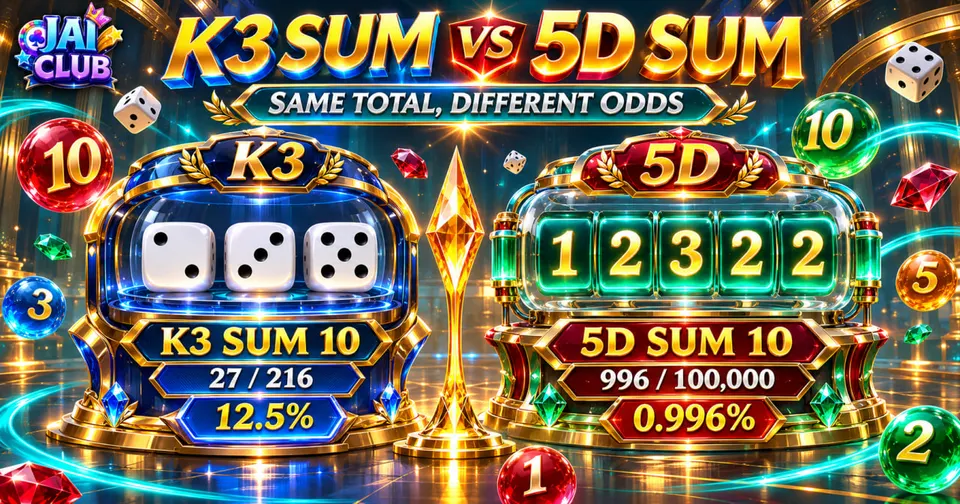
WinGo, K3 and 5D commonly display numerical results, but their interfaces may use different countdown designs, colour treatments, history tables and positioning of result fields.
For example, one WinGo interface could display the current period at the top of the page, while another places it beside the result history. Both could still describe the same basic type of number-based round.
In K3, the individual dice may be shown as traditional pips or as numerical labels. In 5D, the five digit positions may appear in columns, rows or graphical tiles.
Visual presentation should not be confused with the mathematical meaning of the result.
For further details, explore the Jai Club Games & Features overview.
Do New Animations Mean Different RTP?
No. Adding animations does not by itself establish a change in theoretical Return to Player.
RTP depends on a game's probability model and payout structure. An interface redesign may leave those mathematical characteristics unchanged.
However, a documented change to game rules or configuration could affect the relevant mathematics. Such changes should be assessed through the actual game's published information.
The same caution applies to volatility. A more dramatic presentation is not evidence that a game has become more or less volatile.
What if a Game Changes Provider?
A service may use software supplied by multiple developers. If the source of a particular game changes, the new product may have different artwork, rules or technical behaviour.
However, two games using similar names do not necessarily represent the same title or a direct replacement.
A provider migration is a significant claim requiring evidence. It should not be inferred simply because the design of a game resembles another developer's style.
Readers should identify the exact game title, provider and version before interpreting a change as a migration.
Are Game Screenshots Always Current?
Not necessarily. Screenshots can continue circulating long after a software update. Promotional websites, messaging groups and older articles may display interfaces that are no longer current.
A screenshot also captures one device, viewport and moment. It may not include all visible controls or reflect the complete user interface.
Image editing can further reduce the reliability of a screenshot as evidence of a feature.
Therefore, a screenshot alone should not be treated as proof that a particular version or rule is currently available.
How to Compare Two Game Versions
A useful comparison begins with establishing whether the two images or records refer to the same title and provider.
Next, compare the version information, date, rule description and any documented changes. If the visible difference concerns only navigation or graphics, avoid assuming that the mathematical rules changed.
If the change affects symbol behaviour, feature activation or result calculations, provider documentation is needed to confirm its meaning.
A comparison becomes more reliable when it identifies the precise change rather than describing one version as simply better or newer.
Do Updates Make Games Easier?
Not necessarily. Software updates can improve stability and interface clarity without changing the probability of particular outcomes.
A newer release is not evidence that a game offers more favourable financial results. The underlying mathematical configuration must be assessed separately.
Likewise, a different interface does not guarantee that a game has been independently audited or that its results can be predicted more accurately.
The appropriate interpretation depends on verified changes, not promotional descriptions.
What Does JaiclubGame.online Cover?
JaiClubGame.online publishes independent explanations of game formats, symbols, number results and interface concepts.
The site does not maintain an authenticated changelog for every game associated with the Jaiclub name. It also cannot verify private provider updates solely from promotional screenshots.
Readers can explore the Jai Club Game homepage to find educational material covering different game categories.
Frequently Asked Questions
Why does Jaiclub Game look different on my phone?
Screen size, browser rendering, responsive layout and game versions can all affect appearance.
Does a new interface mean a new game?
Not necessarily. The same title can receive a visual redesign.
Can a game update change the rules?
Yes, but the nature of the change must be established through reliable version information.
Do animations affect RTP?
Animations alone do not establish a change in theoretical RTP.
Can an old screenshot show a different layout?
Yes. Screenshots can represent earlier software versions or different devices.
Is a platform update the same as a game update?
No. The platform and the individual game can be maintained separately.
Does a new version guarantee better results?
No. A software update does not guarantee favourable game outcomes.
Does this website verify official Jaiclub changelogs?
No. It provides independent explanations rather than authenticated provider release records.
Conclusion
Jaiclub games may look different because of graphical redesigns, device layouts, browser behaviour and software updates. A change to the interface should not automatically be interpreted as a change to the game's rules or mathematical design.
Understanding the distinction between platform versions, game versions and visual resources helps readers compare interfaces more accurately.
Disclaimer: JaiClubGame.online is an independent informational website and is not officially affiliated with Jaiclub or its game providers. The examples describe general software behaviour rather than authenticated changes to specific games.